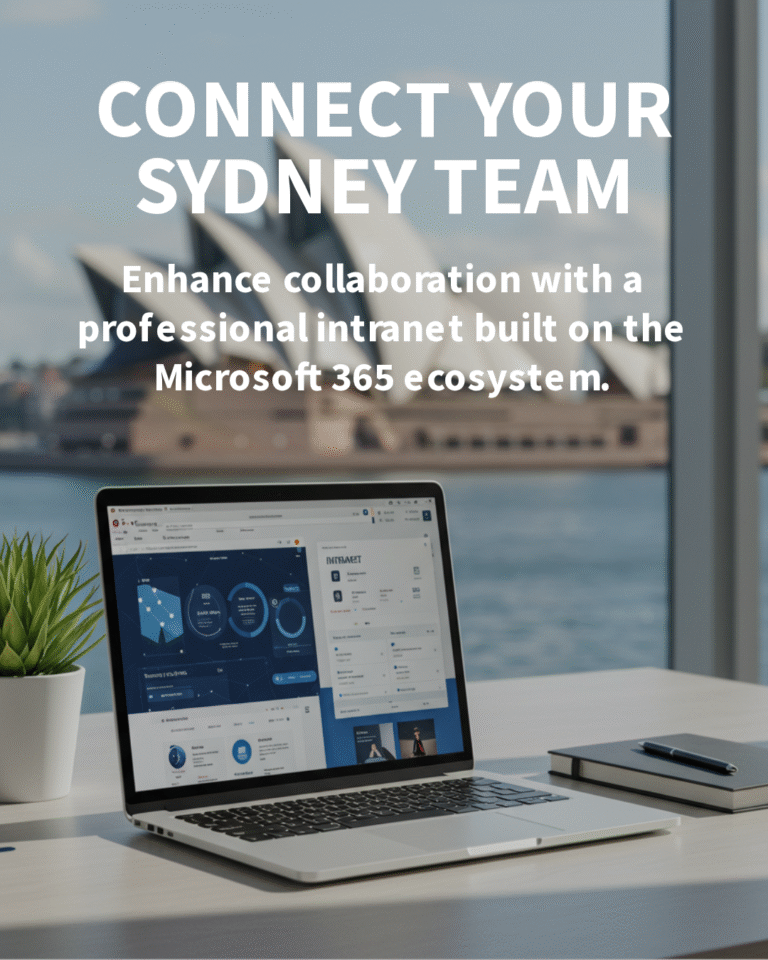

A well-designed SharePoint intranet becomes your organisation’s single source of truth—reducing time spent searching, tightening compliance, and connecting teams wherever they work.
For many Australian SMBs, email threads and shared drives are still doing the heavy lifting. That’s risky, slow, and hard to govern. A modern SharePoint intranet fixes that by centralising content, news and knowledge in a secure, searchable hub inside Microsoft 365.
Why SMBs should adopt a SharePoint intranet
SharePoint (part of Microsoft 365) is a content and collaboration platform that powers intranets—internal websites for company communication, documents, processes and knowledge. Done well, it delivers clear, measurable value:
- Productivity: Find policies, templates and project documents in seconds with enterprise search and metadata, not guesswork.
- Communication: Publish news, announcements and leadership updates with audience targeting so the right people see the right content.
- Governance: Apply permissions, versioning, approvals and retention to keep content accurate and compliant.
- Hybrid work: Secure access from anywhere using Microsoft 365 sign-in and device controls.
- Cost-effective: SharePoint Online is included in many Microsoft 365 plans—often you’re paying for it already.
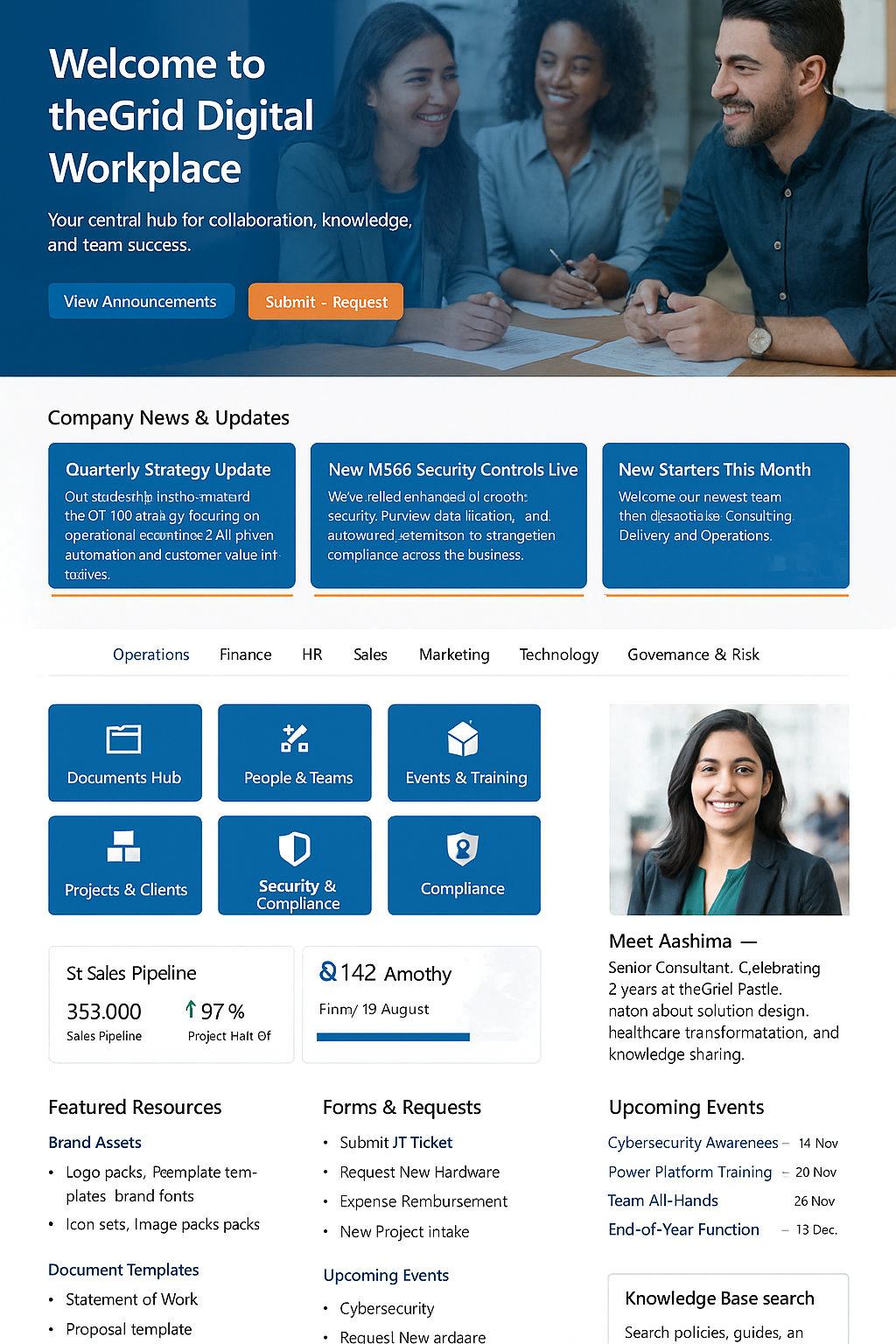
What a modern SharePoint intranet looks like

Key features that matter
- Hub sites and navigation: A clear structure connecting corporate, department and project sites with consistent menus and branding.
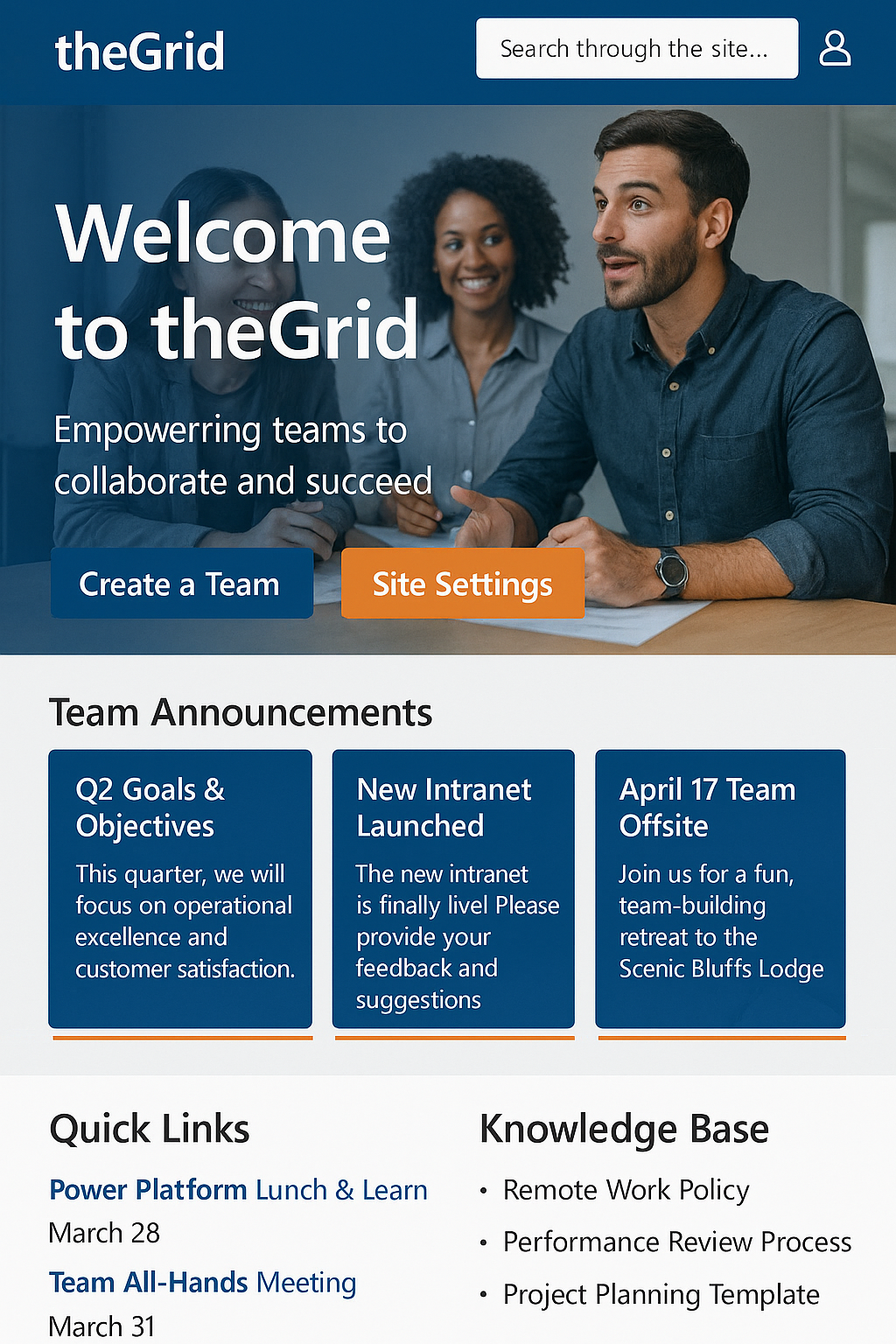
- Personalised home: Audience targeting for news, alerts and quick links so each role sees what’s relevant.
- Search that works: Microsoft Search surfaces documents, people and sites based on permissions—no more duplication.
- Teams integration: SharePoint pages and libraries can be pinned in Microsoft Teams for a seamless, in-context experience.
- Document management: Templates, version history, co-authoring in Word/Excel/PowerPoint, and automated approvals.
- Process automation: Streamline joiner/mover/leaver tasks, policy reviews and service requests using low-code workflows.
Common pitfalls to avoid
- Overcomplicated structure: Too many sites and folders create confusion. Keep the information architecture simple and well-labelled.
- No governance: Without rules and ownership, content sprawls and trust erodes. Define site provisioning, lifecycle and approvals early.
- Poor metadata: Relying on folders alone makes search weaker. Use columns and content types to tag content consistently.
- ‘Lift-and-shift’ migrations: Moving a messy file share to SharePoint without clean-up just relocates the problem.
- Skipping change management: Adoption doesn’t happen by accident. Train people, champion success, and measure usage.
Planning your intranet: start small, scale fast
- Discover business scenarios: Prioritise 5–10 high-value use cases (e.g., policy library, health & safety hub, project centre, service desk).
- Design the information architecture: Map hubs, sites and permissions. Define metadata and content types for documents and pages.
- Set governance: Decide who can create sites, request templates, approve news, and archive stale content.
- Secure and comply: Use Microsoft 365 groups, sensitivity labels and retention to protect information and meet regulatory requirements.
- Enable adoption: Provide short training, a style guide, and ‘how-to’ pages. Nominate champions in each department.
- Measure and iterate: Review analytics for search terms, popular content and gaps. Improve monthly; don’t wait for perfection.
Integrations that elevate the intranet
- Microsoft Teams: Surface intranet pages, lists and document libraries as tabs in channels so work stays in one place. See our Teams services.
- Microsoft 365 apps: Seamless co-authoring, comments and @mentions in Office files in the browser. Learn about Microsoft 365 enablement.
- Dashboards: Embed operational metrics and scorecards using Power BI for data-driven decisions.
- Service requests: Replace email with structured forms and workflows so requests are trackable and auditable.
How Evocate can help
Evocate designs and delivers practical, user-friendly intranets that drive adoption and governance from day one. We align your information architecture with real business scenarios, then build clean, branded sites, migrate content safely, and set up the guardrails to keep it that way.
- SharePoint intranet services: discovery, IA design, build, branding and content migration.
- Microsoft Teams integration: bring pages and files into Teams for daily use.
- Managed services: updates, support and continual improvement without adding headcount.
- Microsoft 365 enablement: governance, security and adoption across the suite.
Ready to modernise your intranet? Reach us via the contact form or email sales@evocate.com.au. For tips and updates, follow Evocate on X and YouTube.
FAQs
What is a SharePoint intranet and how is it different from a file server?
A SharePoint intranet is an internal website for communication, documents and processes. Unlike a file server, it offers pages, news, search, versioning, approvals and metadata-driven navigation.
Do we need premium licences to use SharePoint?
No. SharePoint Online is included in many Microsoft 365 business plans. Advanced features (e.g., additional security or analytics) may require higher tiers, but most SMB intranets run on standard plans.
How long does it take to launch an intranet?
Most SMBs can launch a focused, high-value intranet in 6–10 weeks, starting with core sites (Corporate, HR, Projects) and iterating monthly to expand features and content.
Can SharePoint replace our shared drive?
Yes, when combined with sound information architecture and governance. Map drives to libraries via OneDrive sync, use metadata instead of deep folders, and migrate content in stages with clean-up.
Is SharePoint secure and compliant?
SharePoint uses Microsoft 365 security—identity, conditional access, encryption and retention. With the right configuration and roles, it supports strong access control and auditability for regulated industries.
Next steps
If you want an intranet that people actually use—and that reduces risk rather than adding it—let’s talk. Contact us via the contact form or email sales@evocate.com.au. We’re here to make SharePoint work for your business.