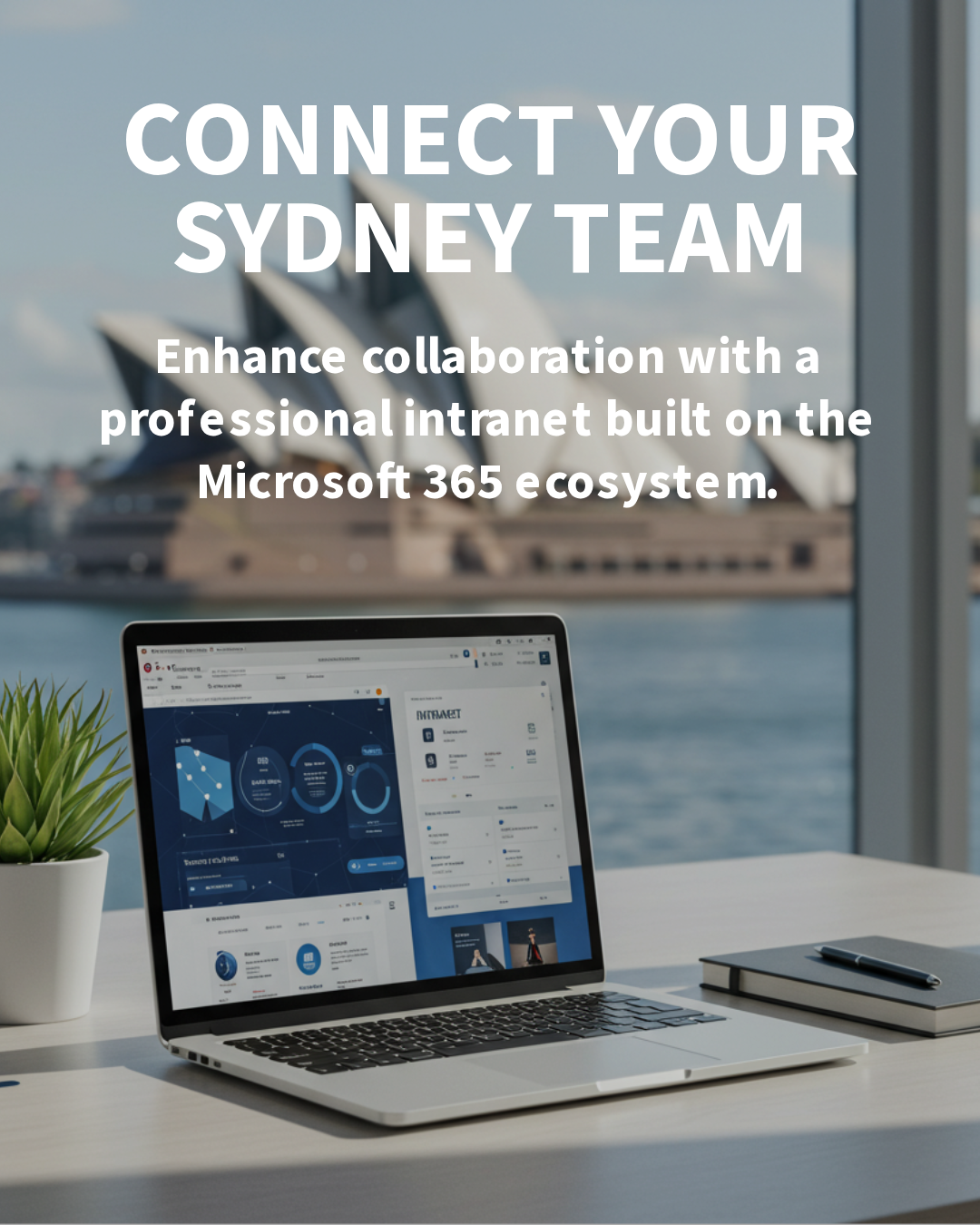

Build a modern intranet and Document Management System (DMS) on SharePoint to simplify communication, control documents, and keep your teams moving faster with less risk.
For many Australian organisations, information lives in email, network drives, and chat threads. SharePoint, included in most Microsoft 365 plans, can unify this into a governed, searchable hub for news, policies, and files, with collaboration natively integrated. For Sydney-based organisations, SharePoint also supports local compliance requirements, hybrid work, and secure collaboration across distributed teams.
Why organisations should adopt SharePoint for intranet and DMS
SharePoint provides a central, secure place for people to access news, documents, and processes. As an intranet, it publishes updates, policies, and key links. As a DMS, it manages versioning, approvals, access, and retention so documents stay controlled and auditable. Because it is part of Microsoft 365, it inherits enterprise security, identity, and compliance capabilities—without the need for bolt-on platforms.
For growing organisations, SharePoint scales from a few sites to hundreds while keeping governance intact. It supports hybrid work with browser, mobile, and Microsoft Teams experiences, and delivers strong search so staff can find the right content quickly. Critically, it helps reduce Shadow IT by giving employees an easy, official way to collaborate and share information. This is particularly valuable for Sydney teams working across multiple sites, remote staff, and external partners who need fast access to controlled documents.
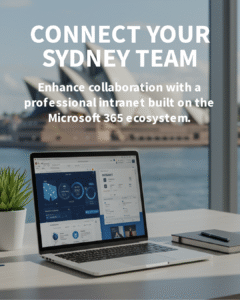
Core capabilities that matter
Intelligent content discovery and navigation
Use hubs and site navigation to present a clear structure across departments or client projects. Managed metadata and consistent naming make it simple to browse, filter, and find documents. Microsoft Search surfaces relevant results by keyword, people, and metadata, reducing time wasted hunting for files.
Document control and compliance
Version history, check-in/out, and approval workflows provide strong control. Retention policies and sensitivity labels help meet obligations under frameworks like ISO 27001 and the Australian Privacy Act. Microsoft Purview Data Loss Prevention (DLP) policies can prevent accidental sharing of sensitive information while allowing legitimate work to proceed.
Collaboration in Teams and on the go
SharePoint libraries surface directly inside Microsoft Teams, enabling chat, meetings, and files in one place. Real-time co-authoring in Word, Excel, and PowerPoint removes the chaos of email attachments. Mobile apps keep frontline workers connected to forms, news, and documents anywhere.
Automation and insights
Power Automate streamlines processes like document approvals, onboarding checklists, and notifications. Rules and alerts keep owners aware of changes. Pair SharePoint with Power BI to visualise usage and adoption, or report on content quality and lifecycle status.
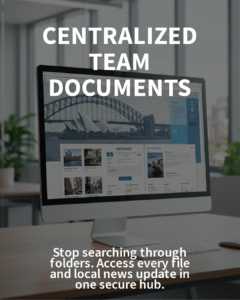
Getting it right: practical steps
- Define outcomes: clarify what the intranet and DMS must achieve—faster onboarding, policy clarity, or a single source of truth for client files.
- Design a sensible information architecture: plan sites, libraries, and metadata up front. Align to business units, services, or clients, not IT systems.
- Set permissions by role: use Azure AD groups and the principle of least privilege. Avoid breaking inheritance unless there is a clear risk-based reason.
- Establish governance and lifecycle: set standards for site provisioning, naming, templates, archiving, and retention to keep content tidy over time.
- Migrate with purpose: inventory content, map metadata, clean up ROT (redundant, obsolete, trivial), pilot with a team, then iterate and scale.
How Evocate can help
Evocate designs and delivers SharePoint intranets and DMS solutions that balance usability, security, and compliance. We focus on quick wins, clear governance, and sustainable adoption so your investment keeps paying off.
- SharePoint intranet and DMS delivery: information architecture, site templates, metadata, and migration – Explore SharePoint services.
- Collaboration that sticks: integrate with Microsoft Teams, channel files, and approvals – See Teams services.
- Compliance and protection: retention, sensitivity labels, and DLP via Microsoft Purview – Purview services.
- Automation and AI productivity: streamline processes with Power Platform and prepare for Microsoft Copilot – Copilot readiness.
- Ongoing care: updates, monitoring, and support through managed services – Managed Services and Microsoft 365 services.
If you would like tailored advice for your business, reach out to our Sydney team via our contact form or email sales@evocate.com.au. We provide SharePoint intranet and DMS consulting for Sydney organisations, including governance, permissions, and adoption support.
Address: Evocate, Level 13/50 Carrington St, Sydney NSW 2000
FAQs
Use OneDrive for personal work-in-progress files and drafts. Use SharePoint for team or organisational documents that need shared access, version control, approvals, and retention. SharePoint is the single source of truth once content is ready to collaborate.
No, but Teams enhances SharePoint by bringing chat, meetings, and files together. Many organisations access SharePoint libraries within Teams, which lifts adoption without duplicating documents.
Smaller rollouts can land a usable intranet and core DMS in 6–10 weeks, depending on content volume and migration complexity. Larger or highly regulated environments take longer to design governance, retention, and security.
Estimated reading time: 5 minutes